
Lesson
Taking Back What You Can
Summary
Deleting a post doesn't actually delete it—screenshots, backups, and app permissions keep your data alive long after you hit that button. This lesson unpacks how app permissions work, why some access is necessary and some is exploitative, and how students can audit and lock down their own devices.
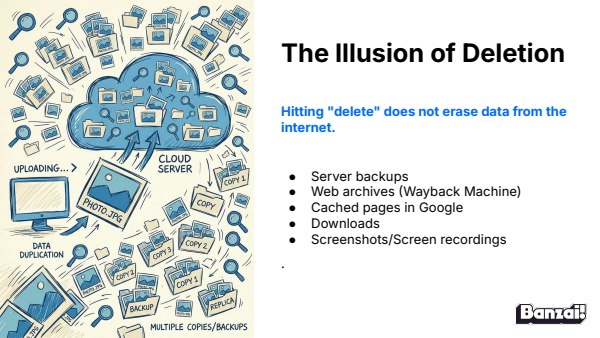
Bellringer: The Illusion of Deletion
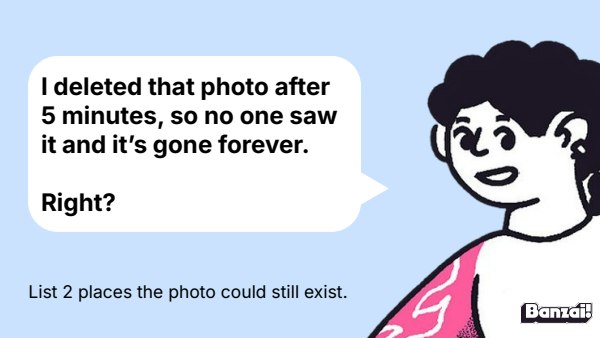
- Display the deleted-photo scenario and have students list two places it could still exist
- Cold-call a few answers before moving to discussion
Instruction
- Walk through how deletion doesn't erase data (backups, archives, screenshots)
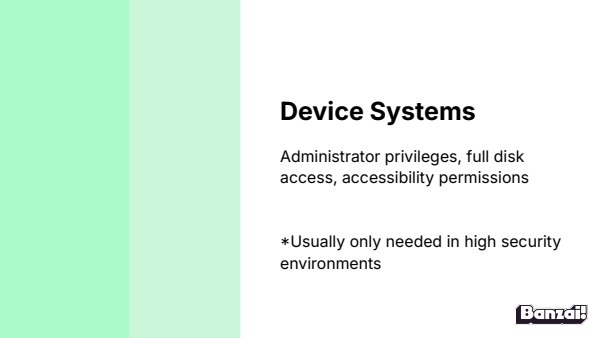
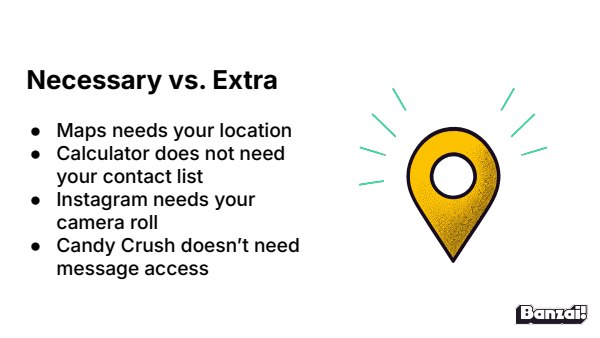
- Teach app permission categories and the "necessary vs. extra" test
- Cover spy permissions (location, mic, camera) and how to check/turn off settings
Discussion: Whose Job Is Privacy?
- Pose the responsibility question—tech companies vs. users
- Have students share what they know about lawsuits or news on teen data exploitation
- Brainstorm laws or restrictions that would help protect teens
Activity: Digital Footprint Vocab & Posttest
- Students complete Digital Footprint Vocab review
- Students take the Digital Footprint Posttest to close out the unit
Wrap-Up & Assessment
- List 3 privacy settings on your smartphone or favorite app.
- Which precaution are you most interested in taking to protect your data? Why?
| Est. Time | Activity | Description |
|---|---|---|
| 5 min | Bellringer: The Illusion of Deletion |
|
| 10 min | Instruction |
|
| 10 min | Discussion: Whose Job Is Privacy? |
|
| 15 min | Activity: Digital Footprint Vocab & Posttest |
|
| 5 min | Wrap-Up & Assessment |
|
Lesson Prep

Digital Footprint Vocab
Review the vocab terms from Digital Footprint.

Digital Footprint Posttest
Assess student learning after completing the Digital Footprint unit.
Class Presentation
Includes a 19-slide deck with teacher notes. Present from Banzai, download a PDF, or copy it to Google Slides.

Presentations, Ready to Go
- Built-in PresentationPresent full screen, straight from Banzai
- Copy to Google SlidesMake an editable copy for your class
- Download or PrintSave as a PDF or print
- Teacher NotesSlide-by-slide guidance, printable as one handout
Unit 3: Digital Footprint

How You're Tracked
Every click, search, and scroll leaves a trail that companies are quietly following. Explore the tools websites use to track browsing habits and meet the data brokers who profit from that information.
You Are the Product
Free apps aren't actually free; you're the one paying, just not with money. This lesson unpacks how apps profit from user data and turn attention into advertising dollars.

Taking Back What You Can
Deleting a post doesn't actually delete it—screenshots, backups, and app permissions keep your data alive long after you hit that button. This lesson unpacks how app permissions work, why some access is necessary and some is exploitative, and how students can audit and lock down their own devices.
How do Banzai lesson plans work? See the FAQ.