
Lesson
Staying Safe Online
Summary
The internet is basically a giant playground — and just like at recess, a few simple rules keep everyone safe while they play. This lesson teaches kids to spot "tricky links," build a Secret Key password, and name trusted adults they can turn to if something feels wrong.
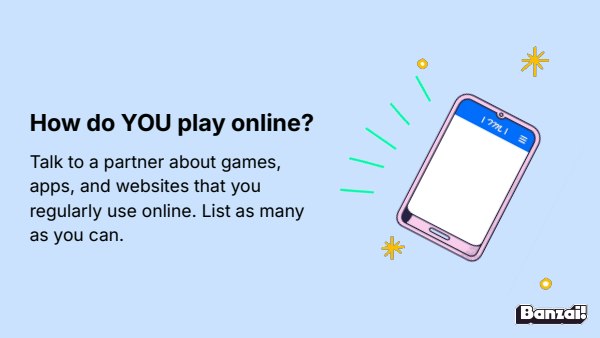
Warm-Up: How Do You Play Online?
- Ask students to list every game, app, or website they use
- Build a class list on the board as students share
Instruction
- Cover tricky links, password privacy, and the Secret Key formula
- Introduce stranger danger, the "Uh-Oh feeling," and the Trusted Adult Tree
Share: Stranger Danger Online
- Discuss how people can pretend to be someone else online
- Reinforce that students shouldn't engage with strangers or share personal info online
Activity: Digital Dragons Pretest & Game
- Students complete the Digital Dragons pretest, then begin the game
- Circulate to help students connect in-game choices to real online habits
- Note that students won't finish today — they'll continue throughout the week
Exit Ticket
- Put a thumbs up if you've decided on three trusted adults you can talk to about online issues.
| Est. Time | Activity | Description |
|---|---|---|
| 5 min | Warm-Up: How Do You Play Online? |
|
| 10 min | Instruction |
|
| 5 min | Share: Stranger Danger Online |
|
| 8 min | Activity: Digital Dragons Pretest & Game |
|
| 2 min | Exit Ticket |
|
Lesson Prep

Digital Dragons
Students collect online safety tools by answering questions about privacy and malware.
Class Presentation
Includes a 16-slide deck with teacher notes. Present from Banzai, download a PDF, or copy it to Google Slides.

Presentations, Ready to Go
- Built-in PresentationPresent full screen, straight from Banzai
- Copy to Google SlidesMake an editable copy for your class
- Download or PrintSave as a PDF or print
- Teacher NotesSlide-by-slide guidance, printable as one handout
Unit 1: Digital Literacy Basics

Healthy Digital Choices
Bedtime scrolling isn't harmless — it quietly drains kids' mental battery and steals restful sleep. Explore how screens affect the brain, spot the difference between posed and real content online, and swap one screen habit for a healthier one.
Staying Safe Online
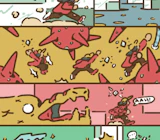
The internet is basically a giant playground — and just like at recess, a few simple rules keep everyone safe while they play. This lesson teaches kids to spot "tricky links," build a Secret Key password, and name trusted adults they can turn to if something feels wrong.
Being Kind Online
A comment that seems harmless in your head can land like a punch once it hits someone else's screen. Explore the Invisible Person Rule, the T.H.I.N.K. checklist, and what it means to be an Upstander instead of a bystander when unkindness shows up online.
How do Banzai lesson plans work? See the FAQ.