
Lesson
Password Protections
Summary
A social media bio might seem harmless, but it's basically a treasure map for password guessers. This lesson explores how oversharing online fuels social engineering, and teaches students to build stronger passphrases and use two-factor authentication.
Bellringer: Guess the Password
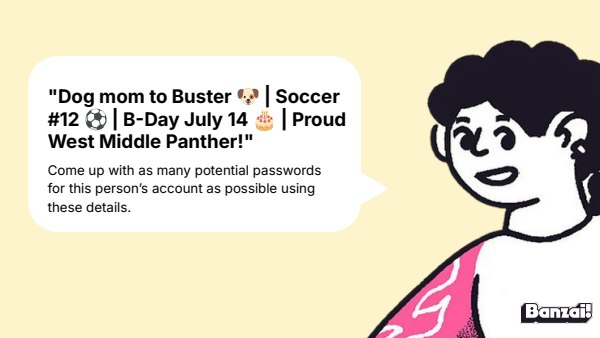
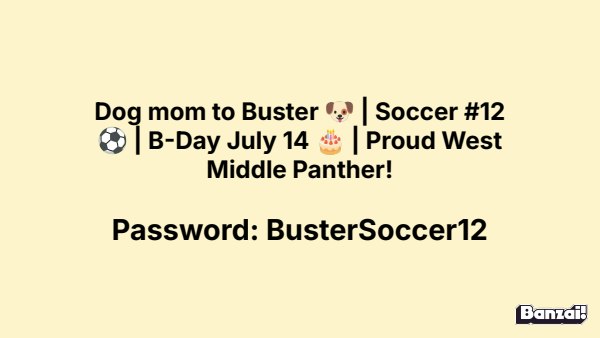
- Display the sample social media bio on the slide
- Have students brainstorm as many possible passwords as they can from the details given
Instruction
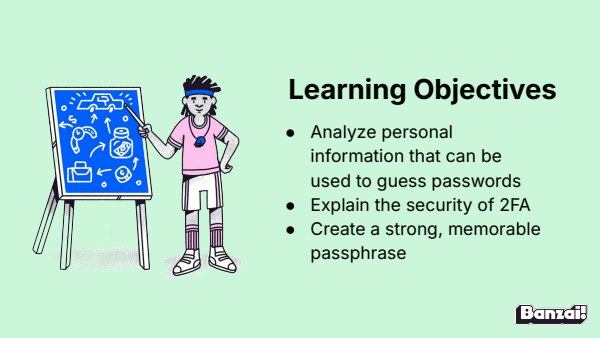
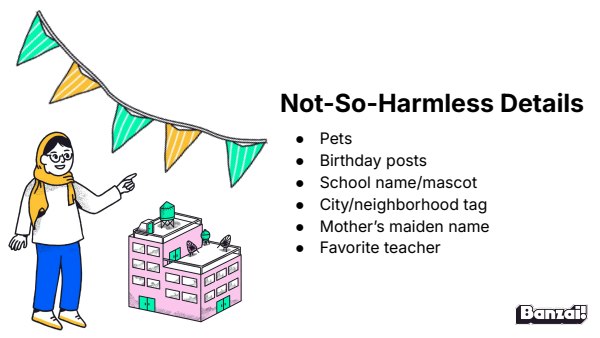
- Walk through social engineering, oversharing, and sneaky data-farming tactics like quizzes and challenges
- Introduce passphrases vs. passwords and model a strong passphrase example
- Explain two-factor authentication and why it matters
Discussion: Sharing Passwords
- Ask students whether they share passwords with friends or family and why
- Push students to consider what info could be exposed if a shared password were misused
Activity: Internet Safety Pretest & Workbook
- Have students complete the Internet Safety pretest
- Direct students to complete "Passwords & Privacy" on pages 1-2 of the workbook.
Wrap-Up & Assessment
- Generate a passphrase using four random, unrelated words and hyphens.
- List two personal details you should never use in a password or passphrase.
| Est. Time | Activity | Description |
|---|---|---|
| 5 min | Bellringer: Guess the Password |
|
| 10 min | Instruction |
|
| 8 min | Discussion: Sharing Passwords |
|
| 17 min | Activity: Internet Safety Pretest & Workbook |
|
| 5 min | Wrap-Up & Assessment |
|
Lesson Prep

Internet Safety Pretest
Assess student knowledge before beginning the Internet Safety course.

Digital Citizenship Workbook
Direct students to complete "Passwords & Privacy" on pages 2-3 of the workbook.
Class Presentation
Includes a 20-slide deck with teacher notes. Present from Banzai, download a PDF, or copy it to Google Slides.
Presentations, Ready to Go
- Built-in PresentationPresent full screen, straight from Banzai
- Copy to Google SlidesMake an editable copy for your class
- Download or PrintSave as a PDF or print
- Teacher NotesSlide-by-slide guidance, printable as one handout
Unit 2: Internet Safety

Password Protections
A social media bio might seem harmless, but it's basically a treasure map for password guessers. This lesson explores how oversharing online fuels social engineering, and teaches students to build stronger passphrases and use two-factor authentication.

Phishing & Scam Messages
Phishing isn't just about sketchy links — the best scams look like your bank, your school, or your best friend. This lesson breaks down the psychology behind phishing tactics and gives students concrete habits to verify before they click.

Online Shopping Scams
Forty-five dollars can feel like a steal — until you realize you just handed it to a criminal. This lesson breaks down the most common online scams targeting teens and gives students a concrete action plan for what to do when a deal turns into a theft.
How do Banzai lesson plans work? See the FAQ.