
Lesson
What You Agreed To
Summary
Nobody reads the Terms of Service, but that giant wall of text is where you sign away more than you think. Explore what's actually inside those agreements, why 'free' apps are never really free, and how to protect your data without losing access to the tools you love.
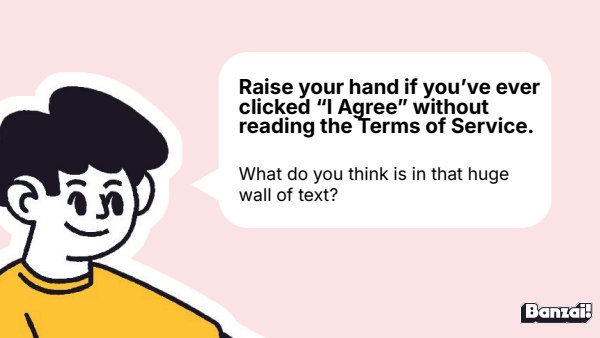
Bellringer: The Wall of Text Nobody Reads
- Ask who has clicked "I Agree" without reading
- Have students jot down or share what they think is hiding in that document
Instruction
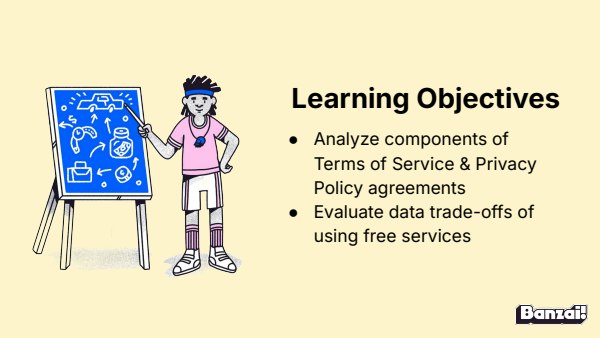
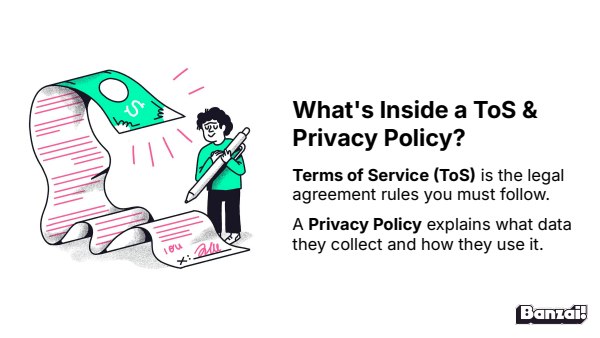
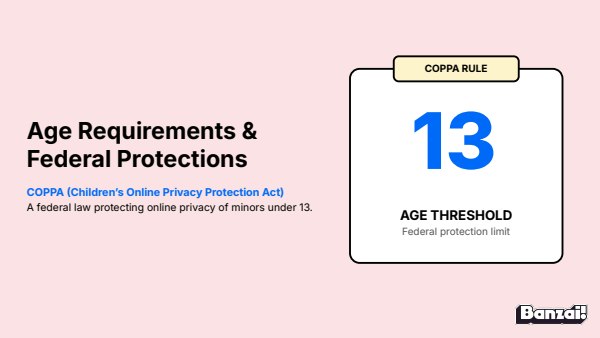
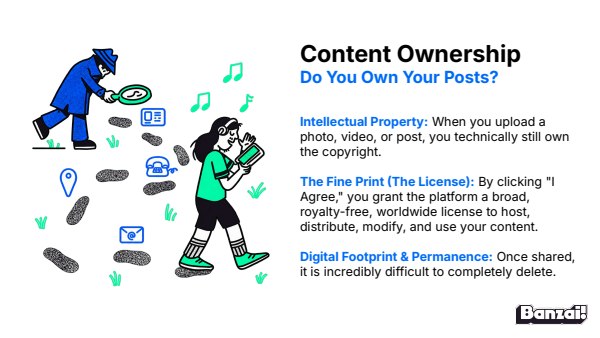
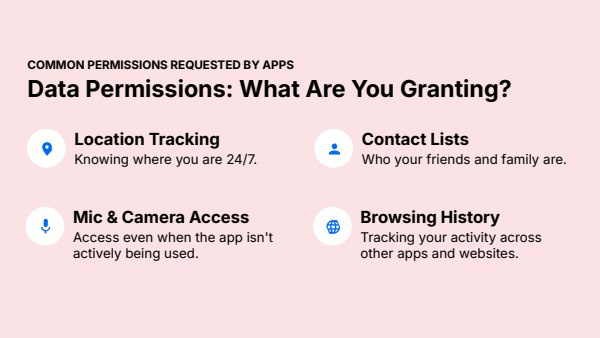
- Walk through ToS vs. Privacy Policy, COPPA, content ownership, and data permissions
- Cover why "free" apps sell user data and how tools like Terms of Service; Didn't Read can help protect it
Discussion: Privacy vs. Free Access
- Split students into pairs or small groups to tackle one or both discussion questions
- Bring the class back together to compare answers on the location-tracking and subscription-fee questions
Activity: Internet Safety Posttest & Crossword
- Students complete any unfinished Internet Safety activities
- Students take the Internet Safety posttest, then pair up for the crossword if time allows
Wrap-Up & Assessment
- How can companies afford to keep their apps free to use?
- What is one way you can protect your data while using free apps?
| Est. Time | Activity | Description |
|---|---|---|
| 5 min | Bellringer: The Wall of Text Nobody Reads |
|
| 10 min | Instruction |
|
| 10 min | Discussion: Privacy vs. Free Access |
|
| 15 min | Activity: Internet Safety Posttest & Crossword |
|
| 5 min | Wrap-Up & Assessment |
|
Lesson Prep

Internet Safety Posttest
Assess student learning after completing the Internet Safety course.

Internet Safety Crossword
A crossword puzzle of common internet safety terms.
Class Presentation
Includes a 17-slide deck with teacher notes. Present from Banzai, download a PDF, or copy it to Google Slides.

Presentations, Ready to Go
- Built-in PresentationPresent full screen, straight from Banzai
- Copy to Google SlidesMake an editable copy for your class
- Download or PrintSave as a PDF or print
- Teacher NotesSlide-by-slide guidance, printable as one handout
Unit 2: Internet Safety

Safe Online Interactions
Online friends aren't real friends—they're strangers wearing a friendly filter. Explore how predators manipulate trust through flattery and secrecy, and learn the simple steps to block, document, and report unsafe behavior.

Devices & Networks
A cracked phone screen isn't the only way your device betrays you — unencrypted Wi-Fi and outdated software leave the door wide open for scammers. This lesson explores malware, network attacks, and the everyday habits that keep devices and data secure.

What You Agreed To
Nobody reads the Terms of Service, but that giant wall of text is where you sign away more than you think. Explore what's actually inside those agreements, why 'free' apps are never really free, and how to protect your data without losing access to the tools you love.
How do Banzai lesson plans work? See the FAQ.